









































Troubleshooting Machine Control: Making the Most of 3D GPS
Machine control, automation, whatever you call it—contractors with experience offer pointers to help you optimize your investment.
Monday, February 28, 2005
By Penelope Grenoble
The jury may still be out, but contractors and the big guns in machine control, including Trimble, Topcon, Leica, and now Caterpillar—which has hit the market with AccuGrade, factory-installed integrated grade control—are projecting that 3D automated systems will be the long-term name of the game for dirt contractors. The technology will affect not only how dirt is moved, but also what happens before the earthmoving begins and how machine operators function.
 |
Photo: Apache Technologies |
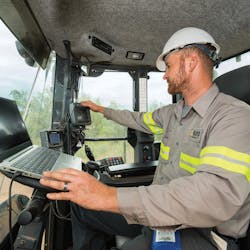
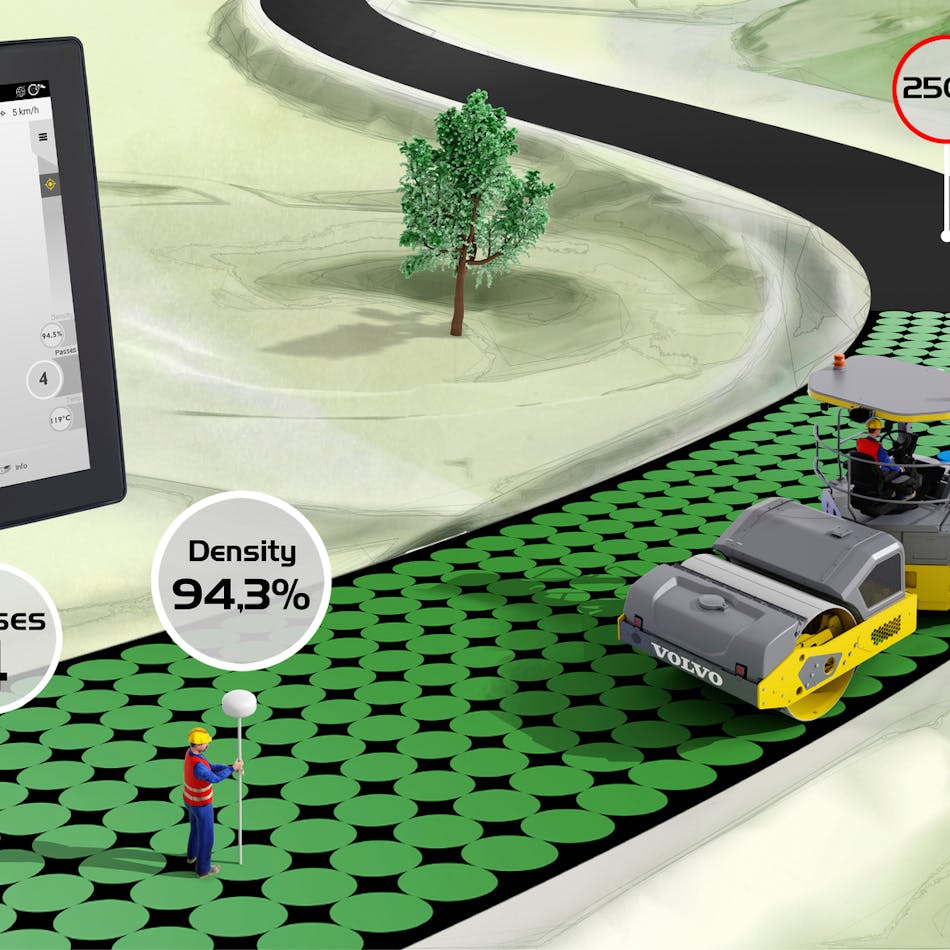
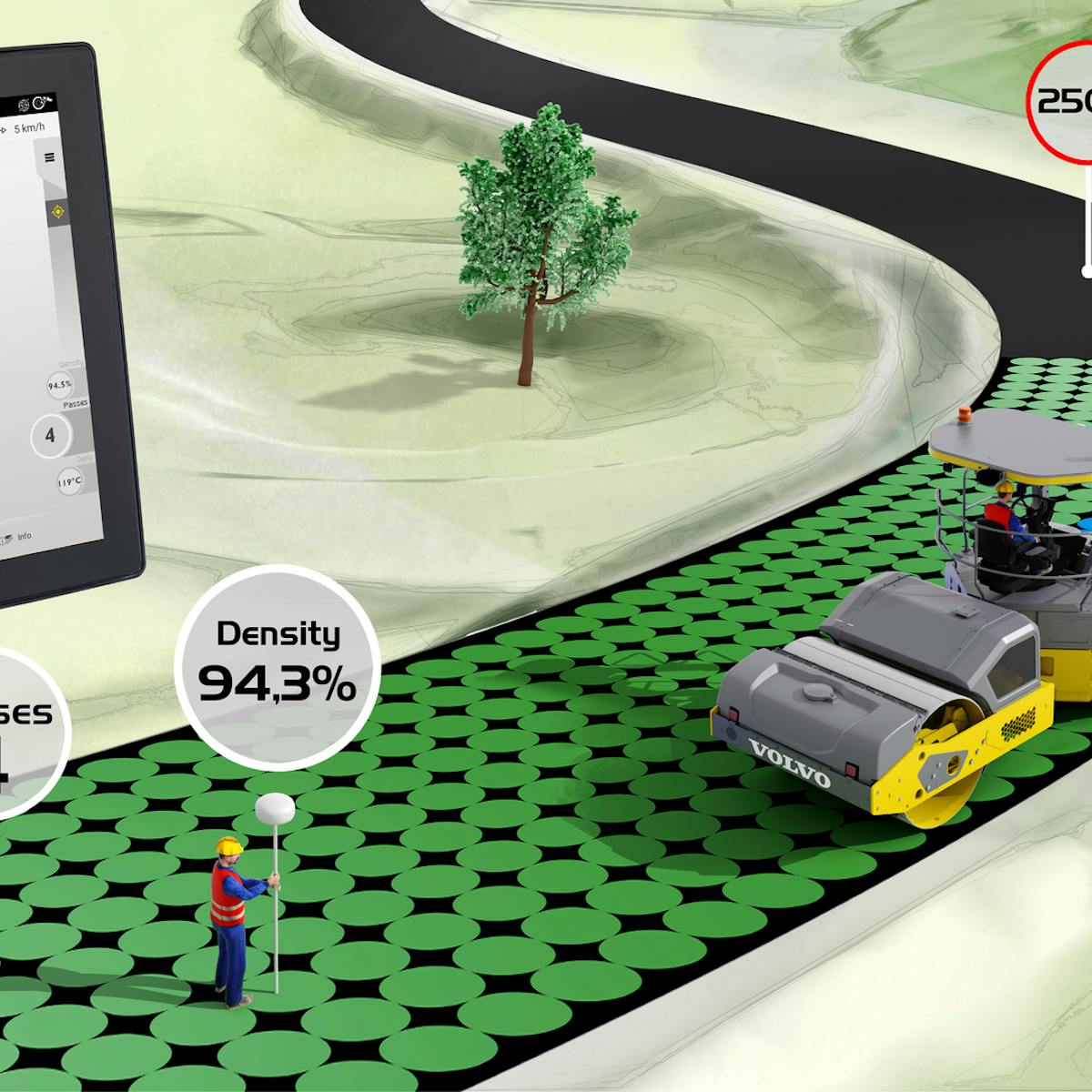
Using information stored in a computer to control the position of a machine’s blade has made the logical progression from indicate-only systems, which tell an operator where his blade is, to automation, which moves the blade for him, and from two dimensions, which requires a physical reference—laser beam, string line, or curb—to 3D, where three-dimensional design files are downloaded into an in-cab computer, effectively putting the engineer and grade checker in the cab with the operator pushing dirt around. (See Grading & Excavation Contractor, July/August 2004, for a rundown on the technology). Contractors who are enthusiastic about machine control talk about savings in time and money, improved accuracy, and increased productivity, but they also caution that making advanced machine control work can require a substantial financial investment as well as a full-scale organizational commitment.
One sign that machine control is here is stay is that Caterpillar is integrating machine control technology into its complete line of track-type tractors and motor graders with the introduction of AccuGrade. “An AccuGrade-equipped Caterpillar machine helps the contractor in several ways,” says Tom Bucklar, Caterpillar’s regional manager for the North American machine control market. “It provides significant gains in productivity and significant reductions in operating costs to keep the contractor competitive. It also helps the contractor with safety by putting grade checkers in the cab of the machine and off the job site. DOTs in particular are starting to see this as a way to reduce costs during the build and validation phase of their work.”
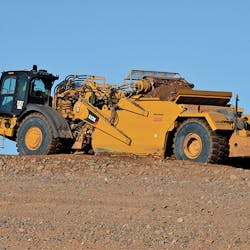
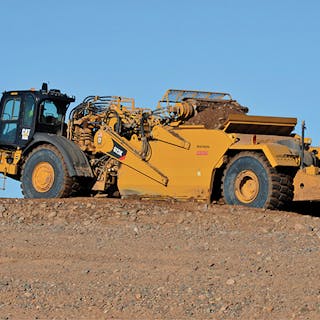
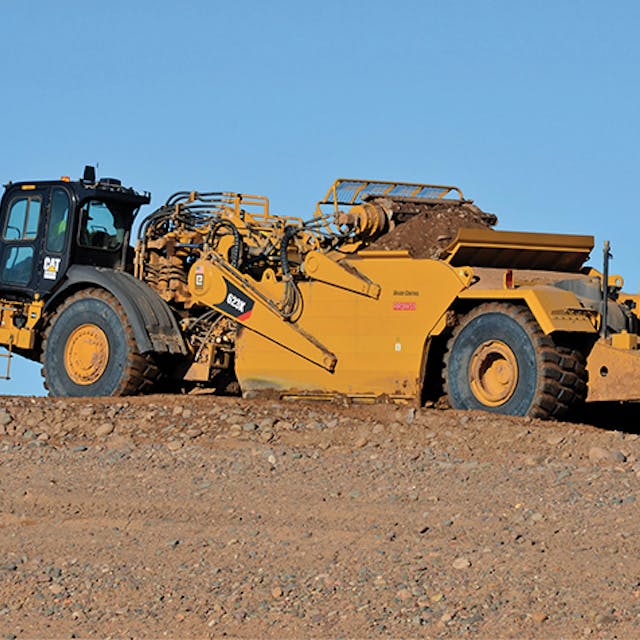
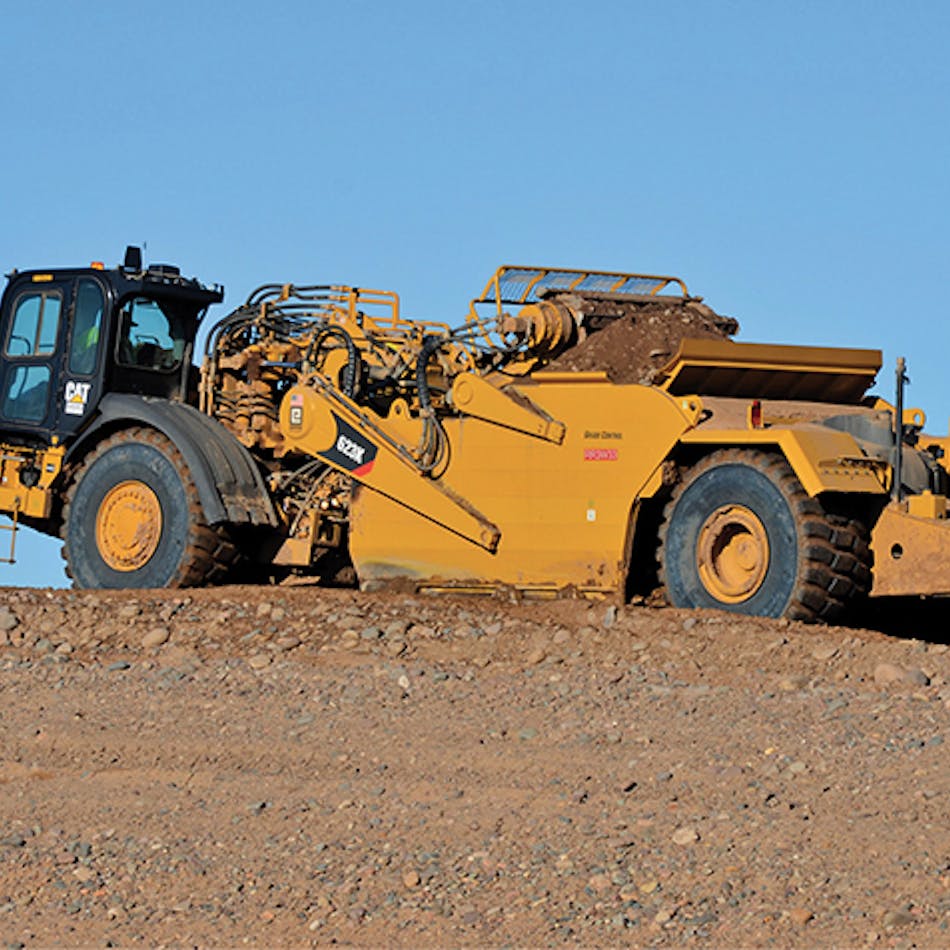
Caterpillar has designed AccuGrade to be “sensor independent,” meaning an AccuGrade-equipped machine can utilize all available AccuGrade positioning technologies kits, such as laser and GPS, for the track-type tractor. “A contractor can utilize GPS in the morning on a 3D road job,” says Bucklar, “and switch to laser in the afternoon for high-precision flatwork.” Bucklar suggests checking with Caterpillar dealers for exact roll-out dates on each machine model.
 |
Photo: Laser Leveling |
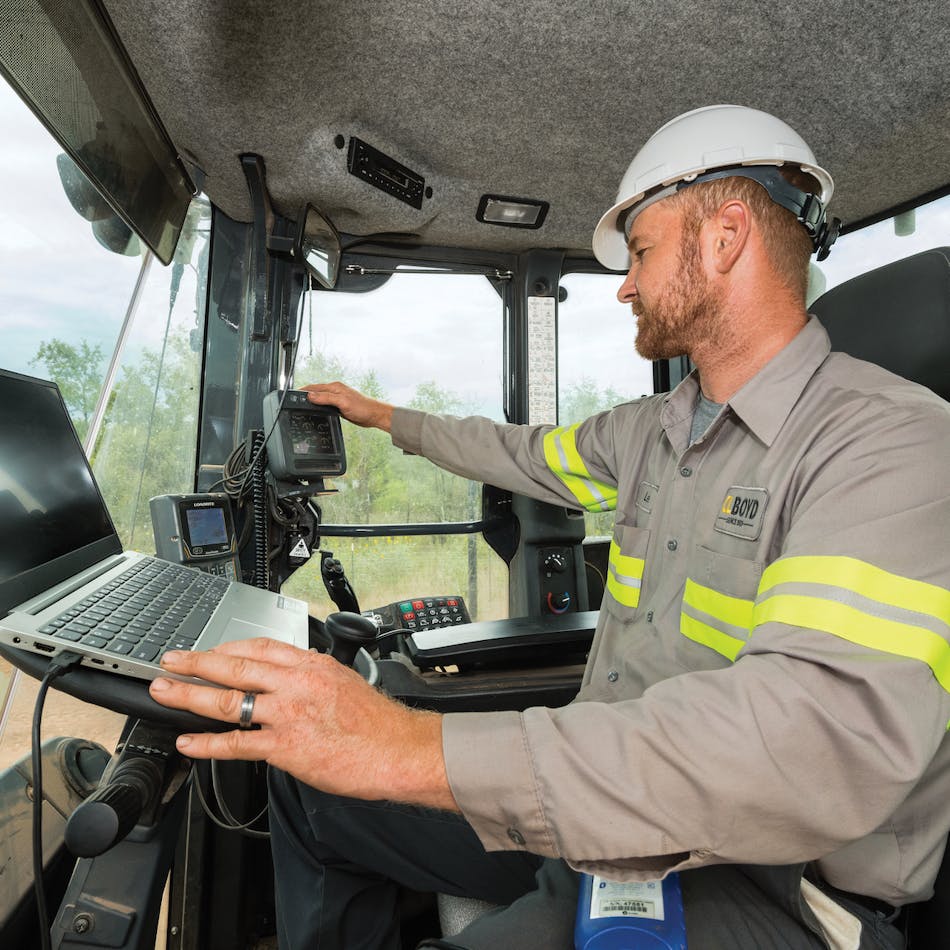
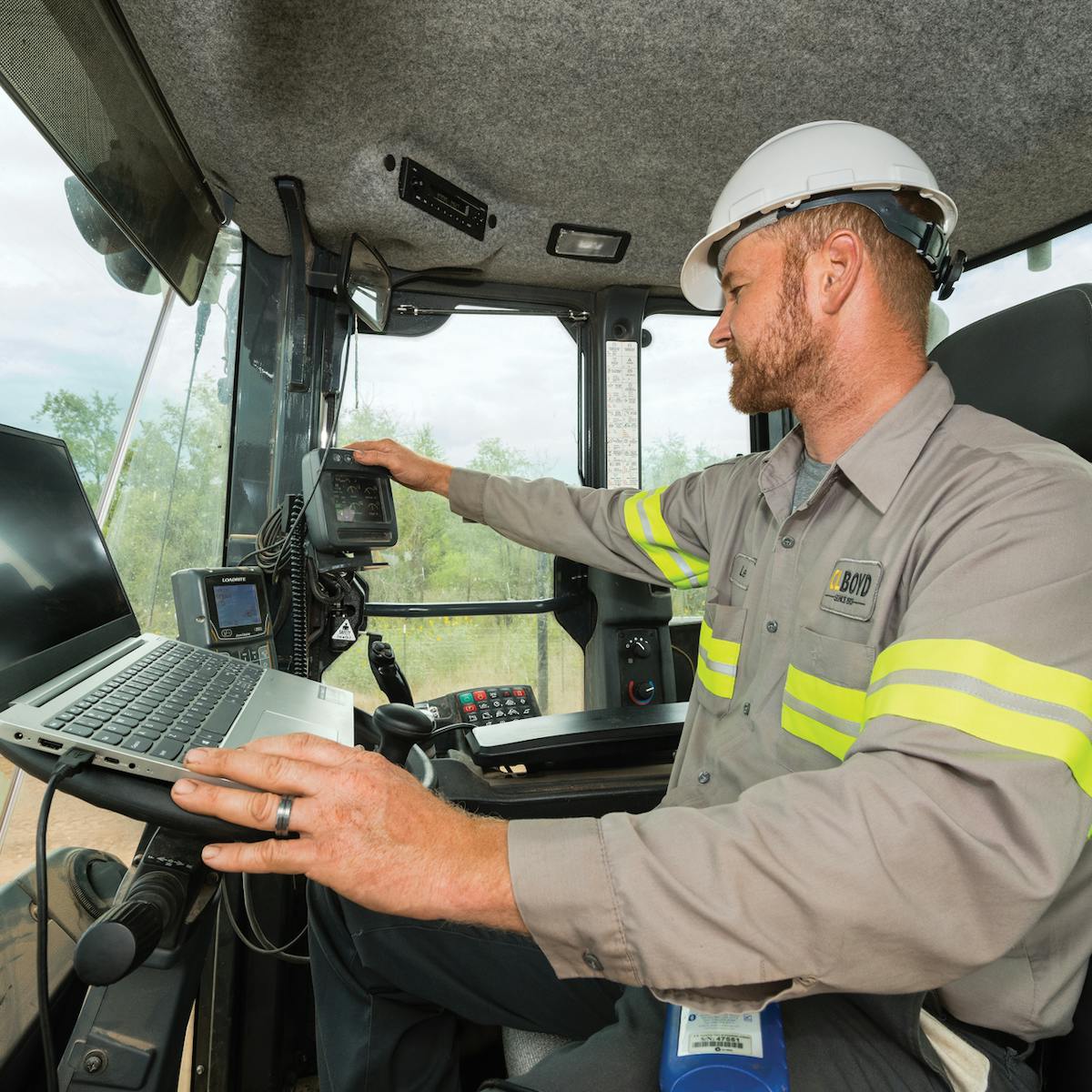
While contractors agree this new generation of machine control, especially 3D, allows much-valued site-specific flexibility, they also caution the devil is in the details. They recommend that decision-makers have a sound idea how they’ll use the system and identify an in-house overseer who is responsible for making things go as planned. There is also the issue of inputting data from design files to in-machine computers (a challenge contractors admit can sometimes be frustrating and time-consuming), plus site conditions that can cause satellite signals to be intermittent. Finally, there are personnel considerations, from training operators to revising job-site responsibilities. “GPS machine control increases productivity and decreases downtime,” says Tim Tometich, GPS division manager for McAninch Corp. in West Des Moines, IA. “We get more machine hours than we ever had, which is important in a place like the Midwest where you only have so many days you can work.” McAninch, which does over $100 million a year in grading and underground utilities, did initial testing for the Caterpillar-Trimble joint venture that is responsible for the two companies’ core machine control components. Since then it has gone on to equip more of its fleet with GPS. Currently Tometich figures 50 to 60 machines are GPS controlled, including dozers, motor graders, and scrapers—roughly 30% of the fleet. The Trimble and Caterpillar systems are designed to be site-compatible and share the same user interface, so re-training is not required for an operator to move between systems. Both systems leverage the Trimble GPS infrastructure for correction information and they both utilize the same design file data.
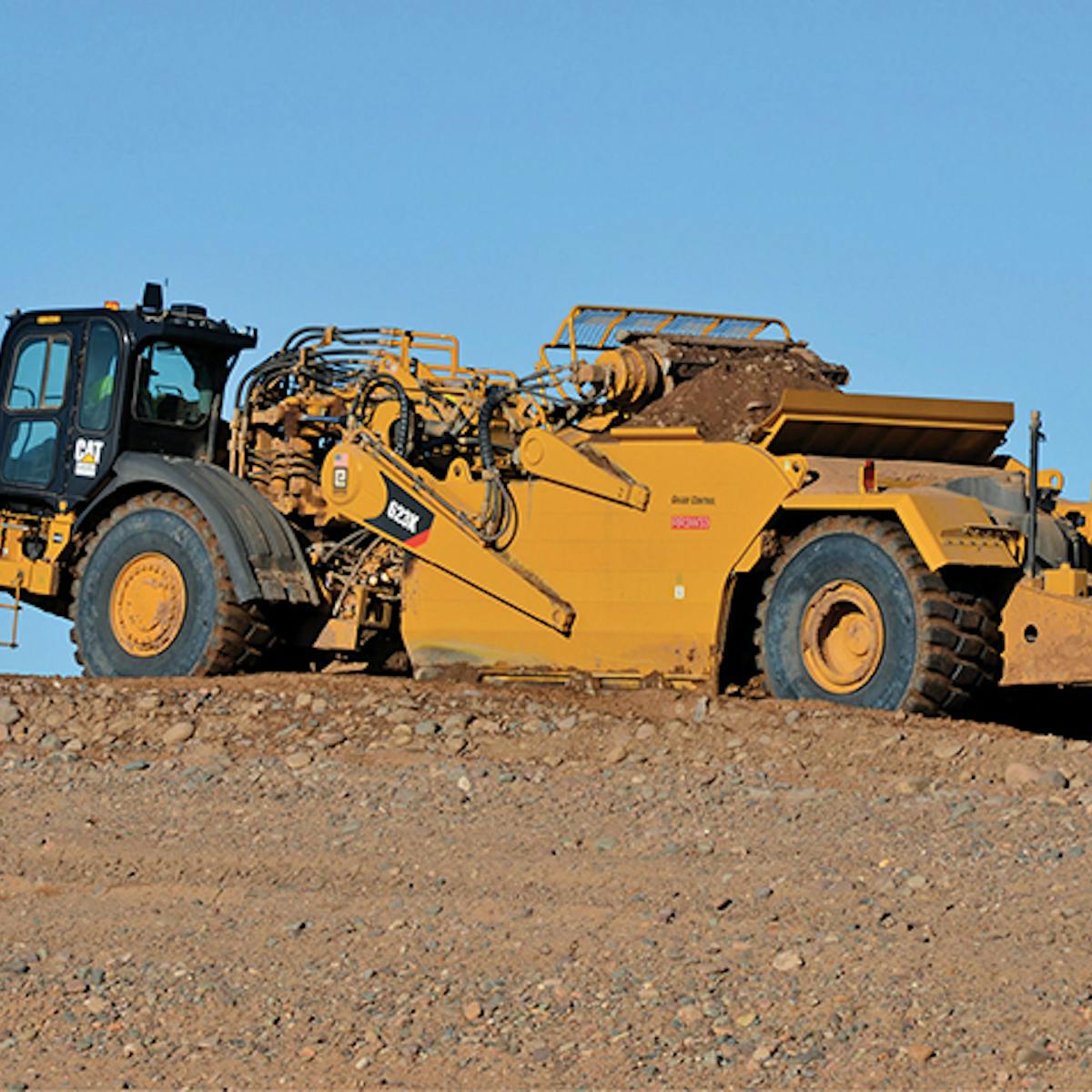
“The way I look at,” says Steve Massie, CEO of Jack L. Massie Contractor Inc. in Williamsburg, VA, “you have to be willing to spend a tremendous amount of money in order to equip enough pieces of equipment to really see an increase in production. You’re not going to see that with only one or two pieces.” The Massie operation has five machine control–equipped bulldozers including two John Deere 700s, one 750, and two 850s with Trimble’s SiteVision GPS, and two John Deere 700 LCTs with Trimble’s new laser-augmented GPS. Next up will be two new Cat D6R XWs with PVAT blades, which will be equipped with straight GPS (no laser augmentation).

“I grew up the old way,” says Steve Massie. “Lock level rule and pull a string to check grade. You built it as fast as the grade checker could run. Today the operator has the job sitting on the screen in front of him. He knows where every bladeful of dirt needs to go, not because of experience or feel, but because he sees it on the screen. We can have 45 men on one dirt crew taking care of three different jobs. Only five of them are on the ground, and these are laborers cleaning up. Everybody else is in a machine as support for the GPS.”
“You put it on one machine,” says Phil Metts, job-site superintendent for Richardson Construction Co. of Columbia, SC, “you get comfortable with it, you see what it can do, and you’re going to want it on others.” Richardson Construction does mostly site preparation work, and all the company’s graders are equipped with some kind of machine control, including one Cat grader with Topcon’s System Five 3D-GPS+ in combination with a Legacy base station and HiPer+ rovers for layout and grade checking, and a half-dozen bulldozers with laser/sonic combinations, including one running Topcon System Five 3D-GPS+.
In Summerfield, FL, Steve Counts saw what GPS could do on a job another contractor was working and decided he needed Topcon’s System Five 3D-GPS+. His company, Steven Counts Inc. (SCI), does large subdivisions and large commercial sites, from grading to paving. “We could see the advantages of the operator seeing the site on the screen,” says Chuck Counts, general superintendent and survey supervisor for the company. “He knows his tractor’s elevation and how to get the dirt to grade, and most importantly, he has the ability to move the dirt just once. We also saw that the operators end up being quasi-surveyors. With the information they have on the screen, they can direct the other earthmoving equipment where to excavate and where to fill.” SCI has three dozers and one motor grader GPS-equipped and is equipping supervisors with GPS rovers in their pickups.
“It’s a perfect fit for dozers,” says Counts, “because they’re versatile. They move a lot of dirt and they also do fine grading. When we put it on a John Deere 672 CH grader, we also found it worked amazingly well. We are able to take it on a new project—say a subdivision—and go right ahead and clear roads and roll back grass and rough-grade roadways without any stakes. We used it on a Wal-Mart and the store was able to open a month early. So the word is out: We can get the job done fast.”
Counts, who heads a six-crew in-house surveying department, confirms GPS has reduced the amount of restaking his crews are called on to do. “If we didn’t have the GPS on the four machines and the supervisors using them in their trucks, I’d probably have to have three or four more crews to keep up with all the staking. This frees my crews up for the more tedious fine grading—like curbing and roads—while the dirt work is taking care of itself.”
Decision-makers at Jack L. Massie initially installed Trimble’s SiteVision GPS on their small dozers and plan on equipping motor graders next, but what General Superintendent Scott Massie particularly likes is the GPS with laser augmentation that Trimble convinced him to try. (Spectra Precision, which is now part of Trimble, introduced laser GPS-integration in its GeoStar grading system in 1996 and Trimble has recently released laser augmentation for SiteVision GPS grade control.) “We use the laser everywhere,” says Scott Massie, “not just where the gray areas are. Now that we’ve found out what it guarantees us, it’s the final touch on everything. The GPS guarantees you within an inch—if you’re really careful, within half an inch. The laser guarantees you that half-inch. The way we work it, the GPS-equipped dozers will grade a parking lot. Then the fine-grade dozer comes in with GPS and laser. Then the surveyor comes along and double checks. I’d put the laser on anything from a Cat DC N to 750 John Deere.” (Leica Geosystems also offers a laser option for GPS in addition to laser-guided machine control products. Topcon also offers a new laser technology, Millimeter GPS, which can be added to a Topcon GPS, and which the company says enables vertical accuracy to within a few millimeters.)
At Richardson Construction, Metts says he likes to keep his fleet flexible. “Sonics are for roadway work. The GPS grader is for fine grading applications, and the dozer for rough grading slopes and cut-and-fill. Plus, we use both the dozer and the grader to check other equipment that doesn’t have GPS on it.” Operator training is a snap, says Metts, as long as you take the time to consider individual operator talent, skills, and experience. “I don’t put anyone on GPS machine control who is not at least familiar with lasers. I train them in the field. I take care of loading all the files and getting them in place, and I get the screen up so they’re ready to run. They already know how to flip the automatic switches when their tolerances are close because they’re used to running lasers.
“Once they’re comfortable I show them where the files are when they’re working multiple jobs. I show them how to calibrate their machines and do the measurements, although this doesn’t take a lot of effort to learn. And the whole time, they’re grading. Generally I run in the cab with them for about an hour and then have them call if there are any questions. It’s also important to remember that on some files you have to show them specific areas of concern, which every project has.” Metts also thinks it’s important to marry an operator to a particular machine. “It’s their dozer or their motor grader and nobody else gets in it.”
At Jack L. Massie, T.D. Sproles, crew foreman and fine-grade dozer operator, agrees with Metts that learning GPS doesn’t take a lot of time. “What takes the time is to get through the technical part of it, to learn how to actually get through the computer.” Chuck Counts adds further insight. “Turn it on and off, show them a few screens, and then get them out pushing dirt. When they get that down, you start showing them how to customize for the views they want and the different profiles that are available.”
But once the hardware’s installed and operators are up to speed, there can also be the issue of signal availability, either because the five satellites necessary to run GPS aren’t available or because site conditions such as trees, hills, and buildings obstruct a clear sky view.
Chuck Counts and Metts, whose Topcon systems give them access to the 14 Russian Glonass satellites along with the 24 satellites in the US NAVSTAR system, report very few problems except those occasionally posed by site conditions. “Obviously,” says Chuck Counts, “your operators have to understand that there will be periods during the day when they might not have as many satellites to reference from, and their accuracy will vary a little. You teach them how to use Topcon’s Mission Planning program, which shows availability, so they know at what times during the day they can expect to have fewer satellites. In places where there are trees or buildings that temporarily block satellite transmission, if it’s a straight grade, the operator can just carry the grade through. Or if they’re under a canopy the survey crew will put out stakes for them to go by. Sometimes they’ll move bulk dirt until they get their signal back. It’s a matter of rolling with it, like dealing with a rain shower. You wait it out; you eat lunch.”
Another factor in taking maximum advantage of GPS machine control is data transfer—converting design files into machine files. Some companies, like Jack L. Massie, outsource the conversion and then check for errors as the files come in-house to be downloaded into the machine’s computer. “All plans have mistakes and it’s easy to miss something, especially on a job that has a lot of revisions,” says Scott Massie. “The key is to catch them before you’re out on the job. You have to invest in this part of the process, because when you’re using this kind of machine control, your approach to your work changes and the way you build a job changes.”
Richardson Construction also contracts out much of its data conversion work, in this case to Take-off Professionals (TOPS) in Peoria, AZ. “The finished job is only as good as the data,” says TOPS’s Marco Cecala. “What we do is take conventional paper plans and the electronic files from the engineer and convert them into a three-dimensional surface for the operator to have available to them at the end of the stick or the tip of a blade.”
For contractors who want to convert the files themselves, Leica Geosystems offers machine control simulators that can be installed on PCs and used for troubleshooting as well as training. “If somebody builds a model of a project,” says Leica technical guru Fred Rogers, “and they have a problem, they can e-mail us and we’ll run it on our simulators. We can then help clean it up.”
But J. Parker, manager of the survey department at Keller Construction in Glen Carbon, IL, says transferring data between different programs and formats can be a big challenge. The company has just purchased Trimble’s 3D GPS. “Taking it from the design file to machine file is one of the most tedious things we’re faced with,” says Parker. “If the company doesn’t have a technical person like myself on staff, someone who knows computers and has experience with CAD files, it can be a problem. There’s a lot of technical know-how that goes with this, from an engineering perspective to a surveying perspective to coding everything properly. You have to have an employee for doing all of that, maybe even an entire staff, which means you have to have a certain amount of momentum behind you.”
At McAninch, Tim Tometich has a staff of five, one person who’s exclusively assigned to road data prep work, another who works as a combined supervisor/data technician, another who does topographic work in the field as well as troubleshooting and job setup, and another who does system maintenance and installation.
“Working with private companies on site preparation, getting those files ready can take from 10 to 15 minutes to up to three to four hours,” says Tometich. “Converting the files for highway work can take up to six weeks.” The problem, says Tometich, is that state DOTs tend to design in 2D and, because the engineering jobs often go to the lowest bidder, the detail is just not there. “It used to be a lot of these problems and discrepancies were found and fixed in the field. Now we need to know the problems before we export the data to the machines. With roadwork, machine control helps us when we’re building the job because we don’t have delays, but at the same time it takes us much longer to fix these problems in the office and create the machine files. It’s frustrating because we know the efficiencies at the operator end.”
Tometich notes that while engineering software usually has some kind of modeling tool built into it, the challenge is to get government agencies to commit personnel and budget to creating files that are easier to convert. “Data is the number one thing in whether a company like ours—that does a lot of highway work—will equip a larger percentage of our machines with GPS. We own two or three different software packages, and we’re pushing all our vendors in the same direction. We have GeoPac, which is the software DOTs use, and Terramodel, which is Trimble’s design software. We have an estimating program, AGTEK Earthwork 3D, that does very nice modeling, but you can’t use it for roadwork.”
“When I was tasked to evaluate the various GPS machine control systems and to research the software,” says Counts, I knew the information I wanted to have, and I told potential vendors I wanted them to show me how they could get what I needed. We were already using AGTEK for some of our estimating, and we were able to incorporate it into the surveying. It also does a good job of creating the 3D files required for the dozers. Topcon has software [3D Office] that assists in reducing the size of files we get from AGTEK because it eliminates duplicate points in the TIN files, which helps with the memory in the machine-control computers.
“So this is something you need to look at. Be aware of what you want your system to do in relation to what you already have software-wise. For a smaller company, I can see where it would be wise to sub out the digitizing if you don’t have the overhead to cover survey techs or CAD techs. With the size of our company, the amount of work we do, and the amount of revisions we get—and as quickly as the projects go—we have to be able to create and add to our own files and get them out to our operators quickly.”
“The quantum leap in productivity that machine control provides is changing the industry,” says Caterpillar’s Bucklar, “Contractors need to think the process all the way through: how installing this technology is going to affect them on the survey side, how it’s going to affect their operations, how it’s going to affect how they move dirt.”
“You need somebody that wants to see this work,” says Metts. “You need a superintendent or an owner or a foreman. You need somebody in your organization that wants to make their job easier and with enough patience to see it through to make it work properly, especially during the startup. You’ve got so much information thrown at you. You’ve got the whole aspect of machine control, for example, including the base station. You’ve got to install the hardware, and you have to become familiar with the software. I pushed the idea of getting this system because it makes my job as a site superintendent a whole lot easier.”
“You have to make up your mind that you’re going to do it and then you have to be committed to it,” says Steve Massie. “Just like you have to be committed to buying that hunk of iron, you have to be committed to buying a computer and software, and paying more for it than you would if it were in your office. As an owner you have to invest in the process.”
Author's Bio: Penelope Grenoble writes on issues concerning waste operations, equipment, and technology. |
Advertisement]